
BIM discussions often revolve around geometry: shapes, clashes, clearances, and coordination visuals. Yet on construction sites, geometry alone rarely answers the most important questions. Field teams look at a model not to admire its precision, but to decide what to install, how to install it, and whether it has been installed correctly .
This is where the difference between geometry and semantics becomes critical.
Geometry shows where something is .
Semantics explain what it is, how it behaves, and how it should be handled .
Many BIM-to-field workflows fail not because geometry is wrong, but because semantics are missing, inconsistent, or inaccessible. This article explains why semantic information is more valuable than geometric detail for field execution, and how to structure BIM data so the field can actually use it.
1. Why Geometry Alone Is Not Enough on Site
A visually perfect model can still be operationally useless.
Common field scenarios:
A duct is shown accurately, but no material specification is attached
A valve is placed correctly, but access requirements are missing
A beam is modeled in detail, but load class or installation sequence is unclear
An asset exists in the model, but has no unique ID for tracking
In each case, the geometry answers where , but fails to answer how or why .
Field teams rarely ask:
“Is this modeled to LOD 400?”
They ask:
“Is this the correct component, and can I install it today?”
2. Defining Geometry vs Semantics in BIM Terms
Geometry
Shape
Size
Location
Orientation
Clearance
Used primarily for:
Coordination
Clash detection
Visualization
Layout planning
Semantics
Object type
Material
Specification
System classification
Installation method
Tolerance
Asset ID
Maintenance requirements
Used primarily for:
Construction
Inspection
Handover
Operations
Geometry enables coordination.
Semantics enable execution.
3. What Field Teams Actually Interact With
On site, BIM is used in short, task-focused interactions:
“Which pipe goes here?”
“Is this the final approved size?”
“What clearance do we need?”
“Has this passed inspection?”
“Which asset ID do I tag?”
These questions cannot be answered by geometry alone.
Field teams rely on:
Clear naming
Consistent parameters
Reliable metadata
Simple filters
Trustworthy status indicators
A model without semantics forces teams back to drawings and spreadsheets.
4. The Cost of Poor Semantic Structure
When semantic data is missing or inconsistent:
RFIs increase
Installation errors rise
Inspections slow down
Asset registers become unreliable
Digital handover fails
The model becomes a visual aid instead of a decision tool .
This is why many digital twin initiatives struggle: they inherit geometrically rich but semantically poor BIM models.
5. Building Semantic LOD (Beyond Geometry)
Semantic completeness must be planned just like geometric LOD.
Key semantic layers include:
A. Classification
Uniclass / OmniClass
System-level grouping
Discipline-neutral identifiers
B. Identity
Unique asset IDs
GUID persistence
Barcode / QR / RFID mapping
C. Specification
Material grades
Performance requirements
Installation constraints
D. Status & Lifecycle
Approved / Installed / Tested
Commissioning state
Maintenance readiness
Without these, the model cannot support field execution.
6. Geometry vs Semantics Across Project Phases
Phase - Geometry Priority - Semantic Priority
Design - High - Low–Medium
Coordination - High - Medium
Construction - Medium - High
Handover - Low - Very High
Operations - Low - Critical
As projects progress, semantic value overtakes geometric value .
7. Why Field Models Must Be Semantics-First
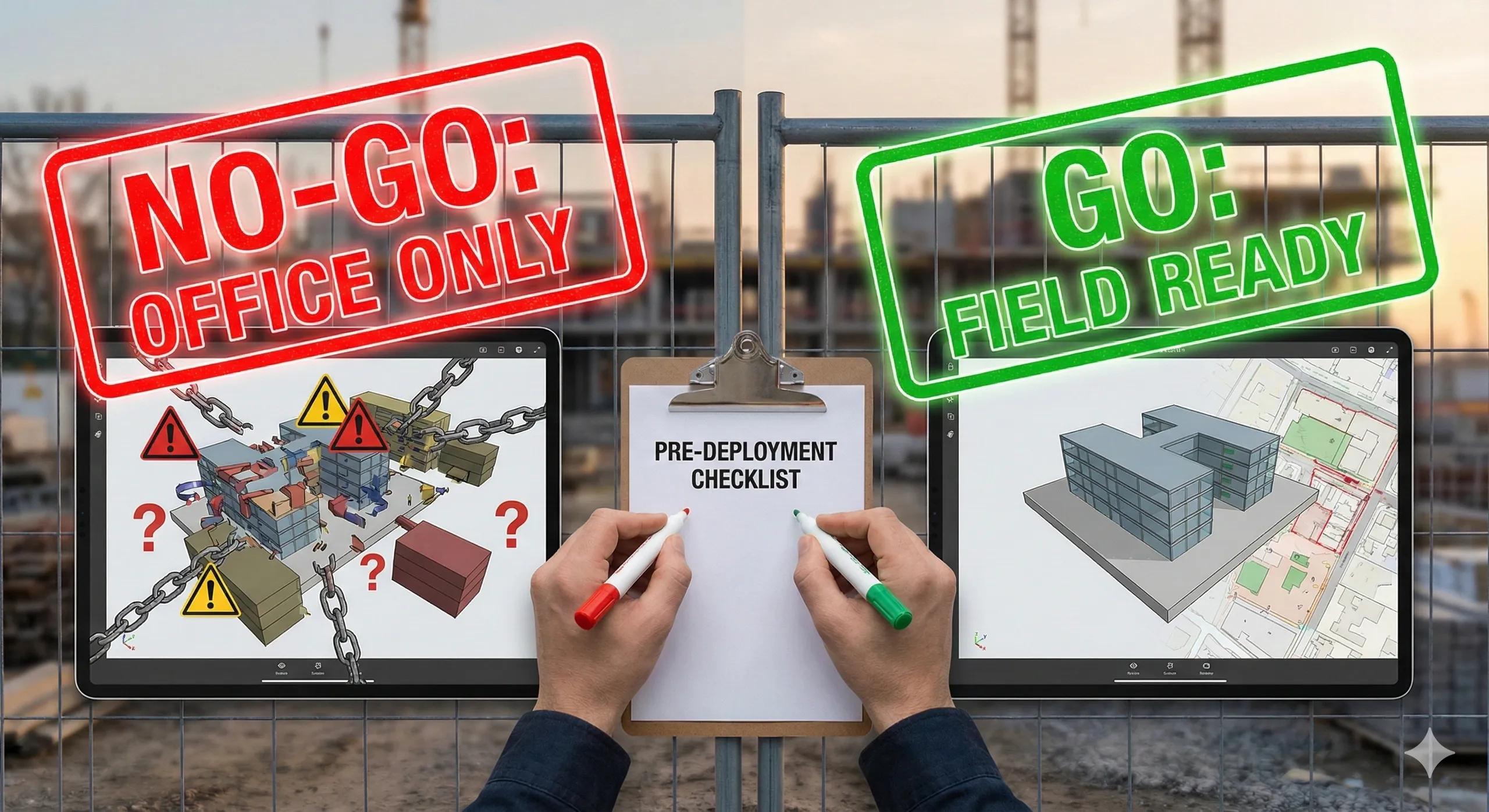
Field models should:
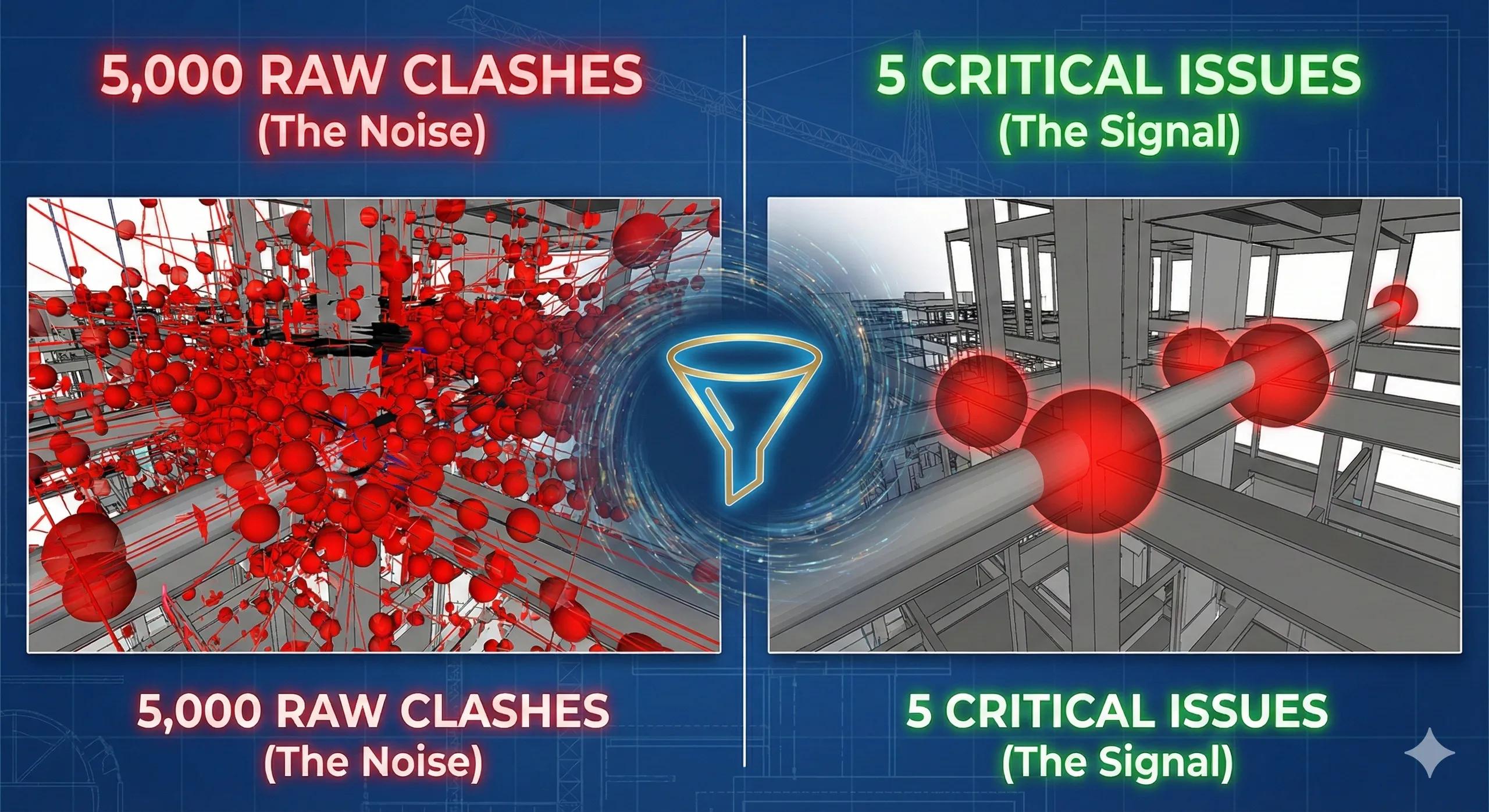
Filter out unnecessary geometry
Highlight installable elements
Surface critical metadata
Hide design-only parameters
A lean, semantics-first model:
Loads faster
Reduces cognitive load
Improves decision speed
Increases trust
This is why IFC-based field models often outperform native models on site, they preserve semantics while simplifying geometry.
8. Connecting Semantics to Reality Capture
Semantics bridge BIM and reality:
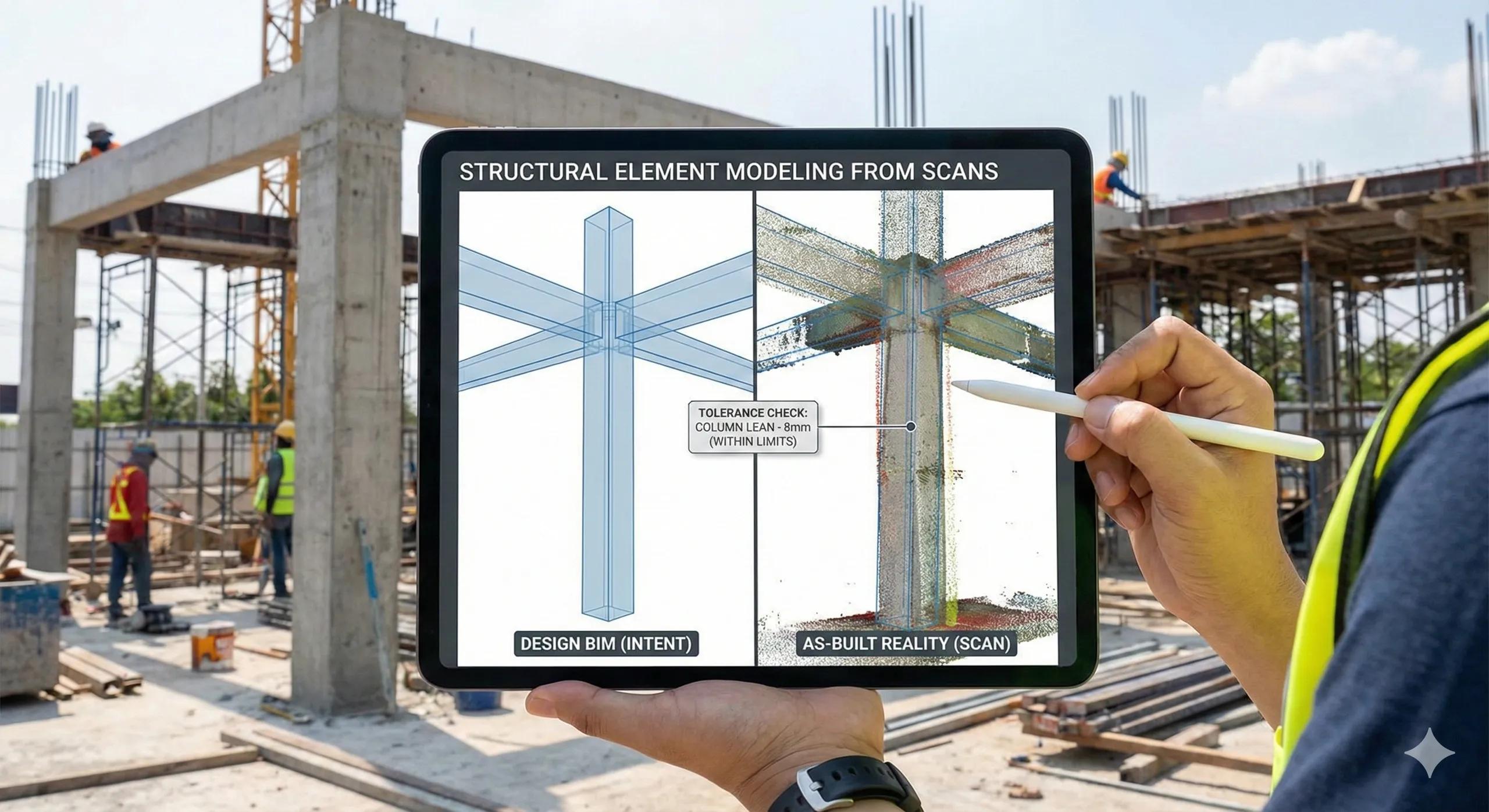
Scans verify geometry
Semantics verify installation intent
When reality capture is linked to semantic status:
“Installed” becomes measurable
“As-built” becomes verifiable
Deviations become actionable
This is how BIM transitions into an operational digital twin.
9. Common Semantic Mistakes to Avoid
Overloading models with irrelevant parameters
Inconsistent naming across disciplines
No standard classification system
Missing asset identity
No linkage to field workflows
Each one reduces field confidence.
10. The Field Test for Semantic Readiness
Ask this simple question:
Can a site engineer identify, install, inspect, and sign off an element using the model alone?
If not, semantics are insufficient.
Conclusion
Geometry makes BIM visible.
Semantics make BIM usable.
In BIM-to-field workflows, success depends less on how detailed a model looks and more on how clearly it communicates intent .
When semantic information is structured, consistent, and accessible:
Field teams move faster
Errors reduce
Inspections improve
Digital handover succeeds
Digital twins become achievable
A model the field cannot understand is just a 3D drawing.
A model the field can interpret becomes construction intelligence.