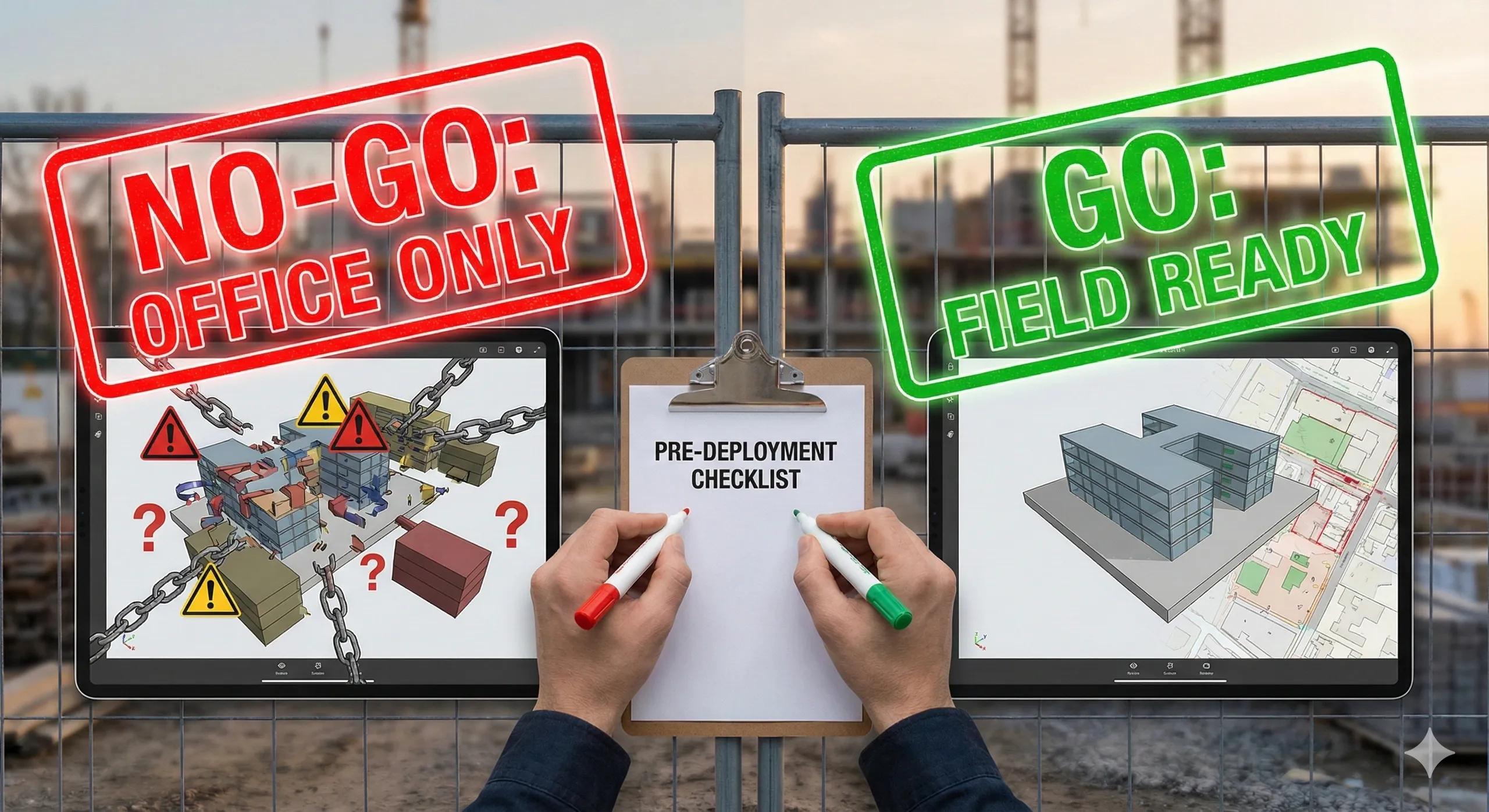
Many BIM-to-field failures don’t happen because BIM is poorly designed. They happen because models are released to the field too early , before critical decisions, validations, and alignments are complete.
A BIM model that is visually impressive but operationally incomplete becomes a liability the moment it reaches the site. Field teams assume that what they see is approved, accurate, and buildable . When that assumption is wrong, the consequences are immediate, rework, delays, safety risks, and loss of trust in digital workflows.
This is why BIM-to-field success depends on a formal BIM readiness checkpoint . Before any model is deployed for construction use, it must pass a structured readiness checklist that confirms it is fit for execution, not just coordination.
This article outlines a practical BIM Readiness Checklist that every project should complete before field deployment.
Why BIM Readiness Is a Distinct Stage (Not a Byproduct)
Many teams treat BIM readiness as an implied outcome:
“The model is clash-free.”
“The drawings are approved.”
“The files are uploaded to the CDE.”
None of these guarantees field readiness.
Field deployment requires confirmation that:
The right model is published
The right data is attached
The right format is delivered
The right people are seeing it
BIM readiness is therefore a go/no-go decision , not a milestone checkbox.
Category 1: Information Governance Readiness
Before field release, governance must be airtight.
Checklist
✔ BIM Execution Plan approved and active
✔ ISO 19650 information states enforced
✔ Only Published information accessible to the field
✔ Clear responsibility for model ownership
✔ Version control locked
If governance is unclear, field teams cannot trust the data, even if it is technically correct.
Category 2: Coordinate & Spatial Readiness
A model that is not spatially aligned is not field-ready.
Checklist
✔ Project Coordinate Reference System defined
✔ Survey control points verified
✔ BIM survey point configured correctly
✔ GIS, drone, and scan data align accurately
✔ No manual “nudging” or visual alignment
Spatial readiness ensures layout, machine control, AR overlays, and deviation analysis work as intended.
Category 3: Geometry & LOD Readiness
Field deployment does not require maximum detail, it requires appropriate reliability .
Checklist
✔ LOD defined per element (not per project)
✔ Installation-critical elements at LOD 350–400
✔ Temporary works modeled where required
✔ Over-modeling removed from field models
✔ Geometry verified against latest design intent
The goal is constructibility, not visual completeness.
Category 4: Semantic & Metadata Readiness
Geometry answers where . Metadata answers how .
Checklist
✔ Asset IDs assigned where required
✔ Classification applied consistently (Uniclass or equivalent)
✔ Installation and inspection status parameters present
✔ Key specifications attached
✔ COBie-relevant data populated progressively
If metadata is incomplete, the model cannot support installation, inspection, or commissioning.
Category 5: Clash & Constructability Readiness
A clash-free model is not automatically buildable.
Checklist
✔ Hard clashes resolved
✔ Clearance and access zones validated
✔ Sequence and temporary works clashes reviewed
✔ Reality capture aligned (where applicable)
✔ Tolerances defined and agreed
Constructability must be proven, not assumed.
Category 6: Model Format & Performance Readiness
The field environment has real constraints.
Checklist
✔ Field models published in appropriate format (IFC or lightweight native)
✔ Models optimized for mobile devices
✔ Read-only access enforced
✔ Load times acceptable under site conditions
✔ Offline or low-bandwidth access considered
If the model is slow or unstable, the field will abandon it.
Category 7: CDE & Access Readiness
A model is only useful if it is easy to find and impossible to misuse.
Checklist
✔ Field-facing folder structure active
✔ Clear separation between authoring and field models
✔ Permissions restricted to prevent edits
✔ Issue management integrated with models
✔ Reality capture data accessible alongside BIM
The CDE should guide the field, not confuse it.
Category 8: Field Workflow Readiness
BIM must align with how work is actually executed.
Checklist
✔ Site teams briefed on model usage
✔ Clear guidance on “what to trust”
✔ Issue reporting workflows defined
✔ Inspection and sign-off process linked to BIM
✔ Escalation paths clarified
Technology without process creates hesitation.
The Final BIM Readiness Gate
Before releasing BIM to the field, ask this final question:
Can a site engineer use this model today to locate, install, inspect, and sign off work, without calling the office?
If the answer is no , the model is not ready.
Conclusion
BIM-to-field success is not about having more data, it is about releasing the right data at the right time, in the right form .
A structured BIM Readiness Checklist:
Prevents premature field deployment
Reduces rework and RFIs
Improves trust in digital workflows
Enables reality capture validation
Lays the foundation for digital twins
BIM should reach the site as execution intelligence , not unfinished design intent.
Readiness is not optional.
It is the moment where BIM either delivers value, or creates risk.