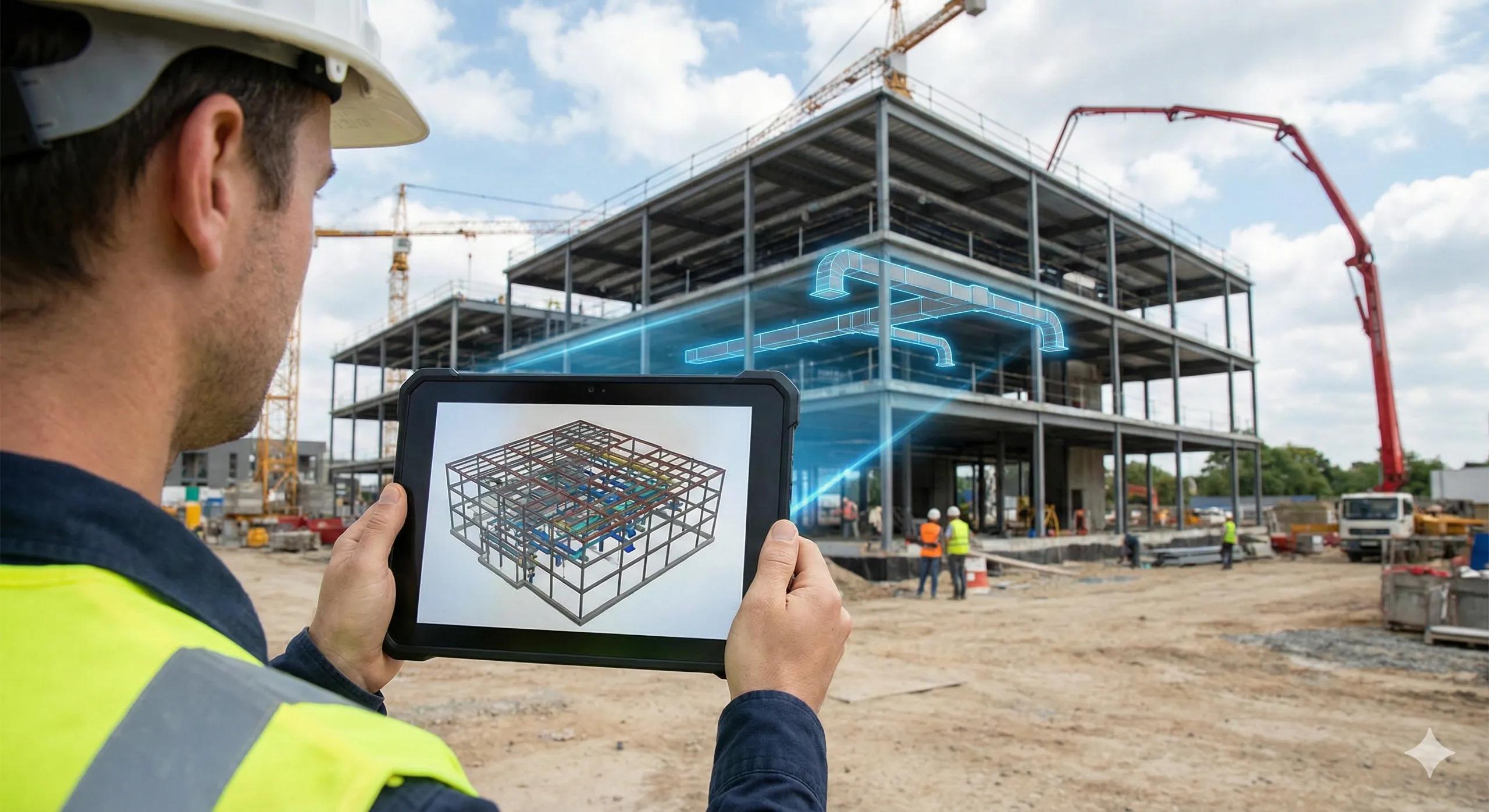
BIM delivers its highest value only when it reaches the people who build .
Yet on many projects, BIM still lives:
In coordination rooms
On powerful desktops
With specialists, not crews
Site teams often work from screenshots, PDFs, or memory, while the live model stays locked away. Mobile and tablet BIM apps close this gap by putting authoritative, current information directly in the hands of site teams .
1. Why BIM Often Stops at the Site Gate
Common reasons include:
Heavy models not optimized for mobile use
Poor connectivity on site
Apps designed for reviewers, not executors
Fear of “too much information” for field teams
The result is a familiar paradox:
BIM exists, but execution ignores it.
2. What “BIM on Site” Really Means
It’s not about giving everyone a full authoring model.
Effective mobile BIM focuses on:
Right information, right time, right role
Filtered views by trade, zone, and task
Clear visual intent, not modeling complexity
Field BIM is about clarity , not completeness.
3. High-Impact Use Cases on Site
Mobile BIM works best for:
Installation verification
Clash clarification at work fronts
Dimension and level checks
Access and clearance confirmation
As-built capture and redlining
These are moments where quick visual truth prevents delay and rework.
4. Offline Access Is Not Optional
Sites don’t wait for Wi-Fi.
Successful deployments ensure:
Offline model access
Local caching of critical views
Sync when connectivity returns
If the app fails offline, adoption fails completely.
5. Model Preparation Matters More Than the App
Most field BIM failures are not software problems.
They come from:
Overloaded models
Poor view management
No field-specific model strategy
Field-ready BIM requires:
Lightweight models
Predefined views
Clear naming and navigation
Execution-friendly modeling is a discipline.
6. Mobile BIM Improves Decision Speed
When BIM is available on site:
RFIs reduce
Decisions happen in minutes, not days
Misinterpretations are resolved visually
Supervisors gain confidence
Time saved here compounds across the project.
7. India Context: Practical Benefits
In Indian construction:
Large, distributed site teams
Multiple languages and skill levels
Fast-changing conditions
Visual access through tablets:
Reduces dependency on verbal explanation
Improves consistency across crews
Helps new workers align faster
8. Adoption Is a Change Management Exercise
Field BIM adoption succeeds when:
Use cases are clearly defined
Training is hands-on and simple
Models are trusted and current
Field feedback improves the system
Technology alone doesn’t drive usage, relevance does .
9. Common Pitfalls to Avoid
Mobile BIM fails when:
Everything is exposed instead of filtered
Updates lag behind site reality
Field teams are not consulted
Apps are used only for viewing, not action
Execution tools must support execution behavior.
10. A Simple Site BIM Rule
If the model can’t be used at the work front, it’s not an execution model.
Conclusion
BIM’s true test is not coordination quality, it’s execution impact .
Mobile and tablet access:
Brings design intent to the point of work
Reduces friction and rework
Improves speed and confidence
Makes BIM operational
When BIM reaches the site, digital construction becomes real.